
How to use AI on WhatsApp to organize expenses, documents, and appointments
Learn how to use AI on WhatsApp to record expenses, organize receipts, look up information, and create financial reminders

July 17, 2026
AI on WhatsApp can turn messages, voice notes, photos, and files into structured records. It helps record expenses, update payments, organize receipts, check amounts, and create reminders without leaving the conversation.
What does using AI on WhatsApp for financial management mean?
It means using a conversational interface to send information and receive answers in natural language. Behind the conversation, the system interprets content, identifies data, and updates financial and everyday management modules.
AI does not replace human checks, accounting, or user decisions. It reduces administrative friction and helps keep information organized.
What can you do through a conversation?
- Record an expense by text or voice.
- Send a photo of a receipt or invoice.
- Import a statement or document.
- Mark a bill as paid.
- Check balances, spending, or due dates.
- Create personalized reminders.
- Find files and receipts.
- Receive summaries and alerts.
Practical examples
Record an expense by voice
The user says: “I paid supplier Alpha R$ 850 for materials with the business card.” AI identifies the amount, recipient, category, payment method, and context, shows a confirmation, and records it after approval.
Organize a receipt
When it receives a photo, the system can extract the date, amount, and merchant and link the file to the transaction. The user confirms or corrects the information before saving.
Check your finances
Questions such as “How much do I need to pay by Friday?” or “Which card has the least credit available?” can produce answers based on the records in the system.
Create a reminder
The user can say: “Remind me three days before, one day before, and on the due date.” The settings are linked to the appointment or bill.
How to maintain quality and security
Confirm before recording
AI should show what it understood and allow corrections, especially when the information involves an amount, account, or personal or business classification.
Access control
Different users need appropriate permissions. An assistant can record documents without necessarily having access to all financial data.
Data protection
Information must be handled according to the Privacy Policy, security measures, and applicable data protection rules. Financial information requires particular care.
History and traceability
Each action should retain a record of its source, date, user, and associated file to make review and correction easier.
What AI should not do on its own
- Authorize payments without defined controls.
- Classify tax matters without professional review.
- Change important data without confirmation.
- Give amounts that are not recorded or available.
How to get started
1. Choose a few processes
Start with expenses, receipts, and reminders. Then expand to questions, statements, and documents.
2. Standardize confirmations
Define which fields must appear before saving: amount, date, category, account, personal or business classification, and attachment.
3. Review the first few weeks
Use the history to correct categories and adapt AI to your actual routine.
4. Connect the conversation and dashboard
WhatsApp should make recording and checking information easier; the dashboard should offer a combined view, reports, and detailed editing.
How it works in Vinica
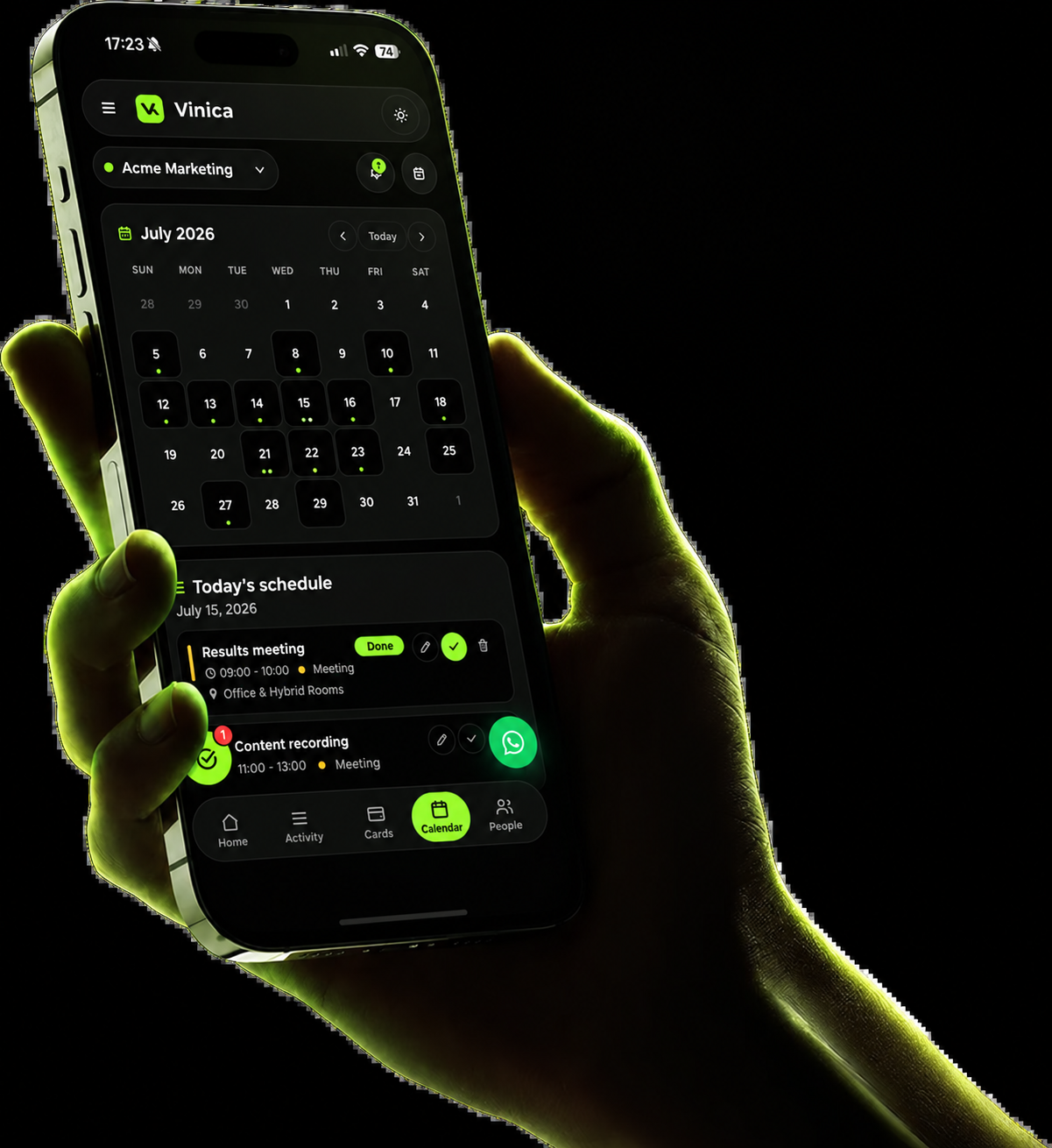
WhatsApp is one of Vinica's main input channels. Users send text, voice notes, photos, or files, confirm the interpretation, and see the information organized on their dashboard. The same approach connects finances, cards, documents, and appointments.
Use Vinica: Start organizing your daily life through WhatsApp
Frequently asked questions
Do I need to install another app?
Conversations happen on WhatsApp, and the full view is available through a browser, depending on the product configuration.
Can AI record a transaction incorrectly?
Yes. That is why confirmations and the ability to correct entries matter. Automation should reduce work, not remove oversight.
Can I send voice notes, images, and PDFs?
These formats can be used when the system supports them. Always check the extracted information before saving the final record.
Summary: Use the conversation to record and check information; use the dashboard to analyze it. Confirmation, permissions, and traceability make automation more reliable.
Sources and references

We help people managing a business, a family, and a busy life organize everything with greater clarity.
Browse categories

Newsletter
Organize better today. Make clearer decisions tomorrow.
Get practical advice on financial management, cash flow, cards, personal and business finances, AI, and productivity for people managing both a business and a personal life.
USE CODE: BLOGVINICA
Copied

Organize your business and personal life for 33% less.
Get the complete Vinica to manage finances, cards, accounts, documents, and appointments with AI on WhatsApp.



Subscribe to Vinica and organize all your finances today.
Record it on WhatsApp. Track it on your dashboard. Organize your business, family, documents, and daily life with an assistant that sees the whole picture.