Data Deletion
Last updated:
July 17, 2026
You may request deletion of your Vinica account and personal data at any time. This page explains how to request it, what is deleted, and the timeframe.
How to request deletion
Choose one of the options below:
- In the application: go to Settings > Security & LGPD and select "Request account deletion."
- By email: send a message to hello@vinica.tech with the subject "Data deletion request" from the email address registered to your account. We will confirm your identity before processing the request.
What is deleted
Once deletion is completed, we permanently remove:
- your registration data, including your name, email address, and WhatsApp number;
- your financial data, including transactions, cards, accounts, categories, projects, and reports;
- messages and media sent to the assistant, including text, voice notes, and photos;
- stored files and receipts;
- integration tokens, including the Google Calendar connection, which can also be revoked at myaccount.google.com/permissions.
Timeframe
We process your request within 15 days. After confirmation, the data is removed from our production systems.
What may be retained
In some cases, we may retain minimal information for the period required by legal, tax, or accounting obligations, or for fraud prevention. This information is restricted to that purpose and deleted when the statutory period ends.
Questions
For questions about deletion or processing of your data, contact our Data Protection Officer at hello@vinica.tech. See also our Privacy Policy.



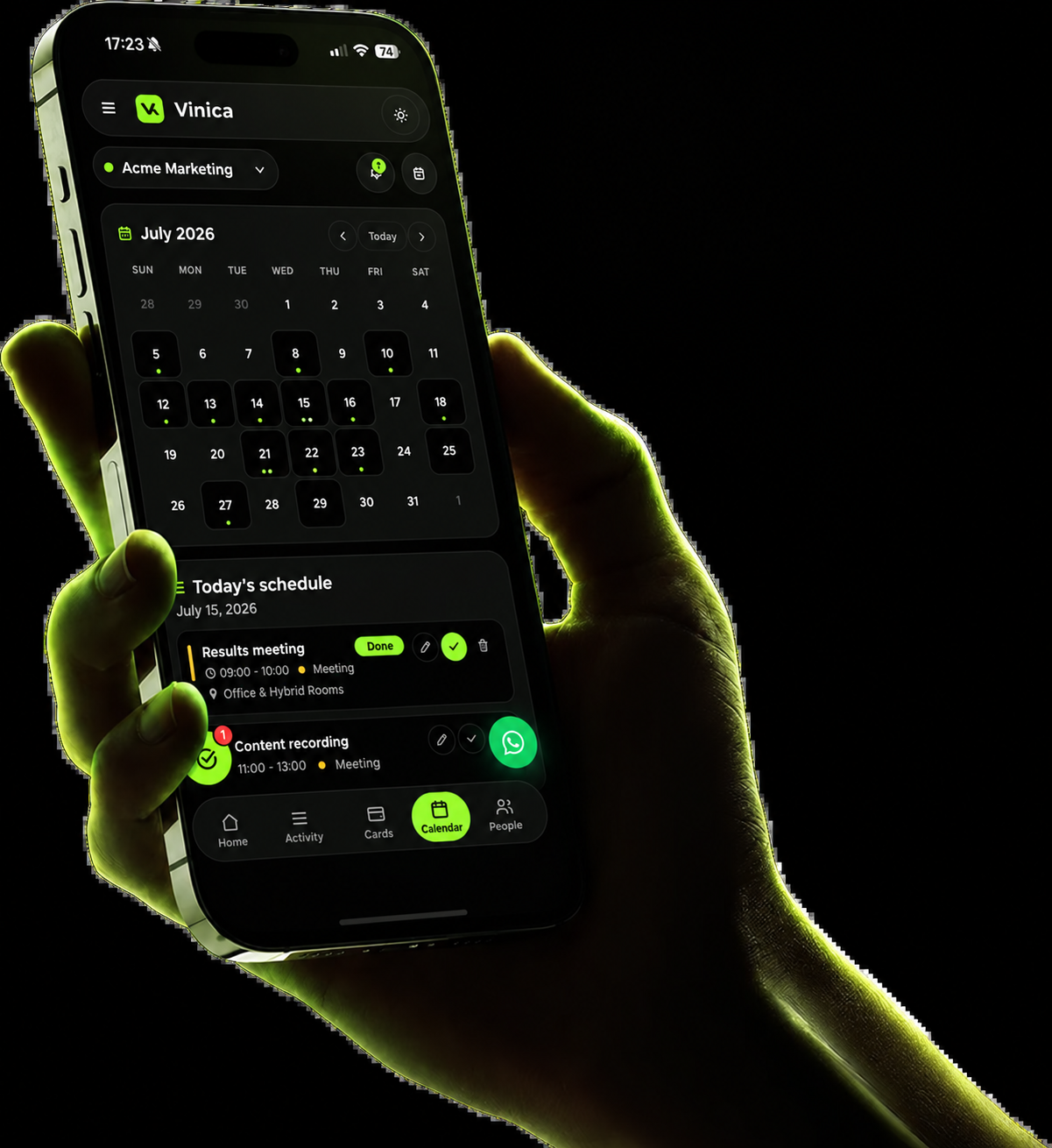
Subscribe to Vinica and organize all your finances today.
Record it on WhatsApp. Track it on your dashboard. Organize your business, family, documents, and daily life with an assistant that sees the whole picture.